
Salesforce Health Cloud Care Plan Management: Features That Improve Patient Care

Salesforce Health Cloud Care Plan Management: A Complete Guide

Healthcare is moving toward care that’s more connected, more personal, and more driven by timely information. Still, plenty of providers, payers, and life sciences teams are stuck juggling scattered systems, manual check-ins, and patient details that live in too many places at once.

That’s exactly the gap Salesforce Health Cloud Care Plan Management is meant to close.

Inside Health Cloud, care teams can build, oversee, and follow individualized care plans from a single workspace. Clinicians, care managers, coordinators, and support staff all work from the same patient or member picture, which makes day-to-day collaboration easier and outcomes easier to improve. When a care plan is run well, the right people get the right context at the right time, and important steps are far less likely to slip by.

Table of Contents

What Is Salesforce Health Cloud Care Plan Management?

Care Plan Management in Salesforce Health Cloud supports healthcare organizations in creating organized, personalized action plans for patients or members.

A comprehensive care plan brings together:

  • Health problems or risk factors

  • Patient goals

  • Tasks and follow-ups

  • Care team participants

  • Interventions and support steps

  • Progress monitoring

Instead of piecing things together with spreadsheets, email threads, and standalone tools, Health Cloud gives teams one hub to coordinate work and keep an eye on the full journey.

Why Care Plan Management Matters

Modern care isn’t only about addressing a diagnosis. It also means helping patients through each phase—before, during, and after treatment.

In real life, a patient might touch many groups: physicians, nurses, specialists, pharmacists, caregivers, and even insurance or payer teams. When there isn’t a shared system, small misses can quickly become big problems.

Keeping Teams Aligned

Salesforce Health Cloud Care Plan Management helps teams stay clear on:

  • What the patient needs right now

  • Which goals are in place

  • What work is still open

  • Who owns each step

  • Whether progress is moving in the right direction

  • When extra outreach or an intervention is needed

This matters most in areas like chronic care management, population health, patient support programs, post-discharge follow-up, and complex case work.

Key Features of Salesforce Health Cloud Care Plan Management

1. Personalized Care Plans

Health Cloud lets teams shape care plans around the individual. The plan isn’t a one-and-done document; it can shift as needs, risks, and goals evolve. That flexibility supports a move away from generic coordination and toward care that feels more patient-centered.

2. Problems, Goals, and Tasks

Care plans work better when they’re built with clear structure. Health Cloud organizes them around three core pieces:

  • Problems: The health issues or risks that need attention.

  • Goals: The results the patient and care team are aiming for.

  • Tasks: The concrete actions that move the patient toward those goals.

Component Framework Example
Problem High blood pressure
Goal Bring blood pressure down into a healthier range
Tasks Schedule a follow-up, check medication adherence, monitor readings weekly

With this setup, care plans are easier to follow, measure, and keep moving.

3. Care Team Collaboration

Care delivery is rarely a solo effort. Health Cloud helps connect everyone involved—clinicians, care coordinators, family caregivers, and support teams. Better alignment usually means fewer duplicated steps, cleaner handoffs, and clearer accountability.

4. Patient and Member 360 View

A care plan only works as well as the information behind it. With Health Cloud, teams can see a more complete Patient 360 view that includes both clinical and non-clinical context. That broader picture helps care managers act with fewer blind spots and support a more connected experience.

5. Task Tracking and Follow-Up

One of the most practical strengths here is visibility into tasks. Teams can quickly see what’s done, what’s overdue, and what still needs attention. That reduces missed follow-ups, delayed actions, and avoidable gaps in care, especially when managing large populations.

6. Templates for Repeatable Programs

Many organizations run the same types of pathways over and over. Health Cloud supports care plan templates, so teams can reuse proven structures for programs such as:

  • Diabetes management

  • Hypertension management

  • Post-discharge follow-up

  • Oncology patient support

  • Medication adherence

  • Preventive screening outreach

Templates help standardize what “good” looks like while still leaving room to tailor each plan to the person.

Benefits for Healthcare Organizations

Salesforce Health Cloud Care Plan Management can improve both the patient experience and operational performance. Common gains include:

  • Stronger coordination across teams and departments.

  • Better patient engagement through clear goals and next steps.

  • Less manual effort spent on day-to-day coordination.

  • More consistent delivery through structured templates.

  • Earlier risk visibility through progress and task monitoring.

  • Sounder decisions supported by connected patient data.

Common Use Cases

Health Cloud Care Plan Management fits a wide range of programs, including:

  • Chronic care management

  • Patient support programs

  • Post-acute coordination

  • Preventive care campaigns

  • Population health

  • Behavioral health support

  • Payer care management

  • Medication adherence programs

  • Complex case management

  • Home health coordination

For instance, a pharma patient services group might run onboarding, education, adherence, and follow-ups through care plans. A provider network might use plans to coordinate multiple specialists working with the same patient.

Best Practices for Implementation

The best results come when the technology is shaped around real-world care workflows. Start with the journeys or programs that most need consistency and oversight. From there, define the problems, goals, tasks, stakeholders, and data sources that truly drive the work.

Recommended Practices:

  1. Build clear care plan templates: Standardize common goals and recurring tasks.

  2. Keep workflows straightforward: Make it easy for busy care teams to adopt.

  3. Connect the right data: Integrate the patient and member data that matters most.

  4. Train users effectively: Ensure teams keep plans and tasks updated in real-time.

  5. Track and refine: Review plan adherence and results to optimize over time.

A strong Salesforce Health Cloud implementation partner can help align configuration with operational reality, not only technical checklists.

Final Thoughts

Salesforce Health Cloud Care Plan Management helps healthcare organizations deliver care that’s more coordinated, more personalized, and easier to measure.

By bringing patient data, teams, goals, tasks, and insight together in one platform, Health Cloud gives providers, payers, and life sciences organizations a stronger foundation for modern coordination.

If the goal is better patient engagement, tighter coordination, improved healthcare CRM processes, and broader healthcare digital transformation, Salesforce Health Cloud offers a practical path to modernizing how care is managed.
📞 Connect With Our Team

Salesforce SPM: Use Cases, Implementation Timeline, and ROI (Part 2 of 2)

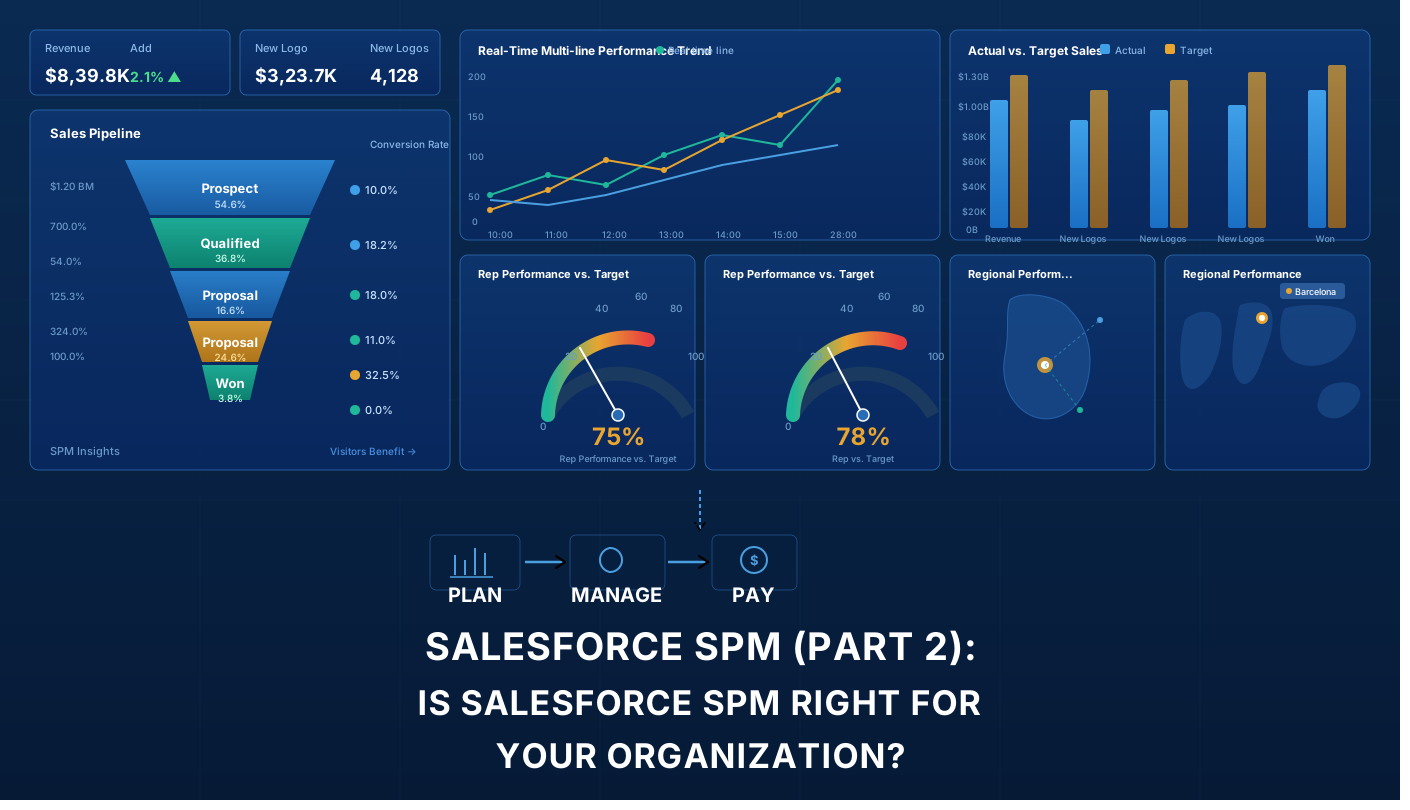
Is Salesforce SPM Right for Your Organization?

In Part 1 of this Salesforce SPM series, we explored what Salesforce Sales Performance Management is, how the different products work, and why expert Salesforce consulting matters.

But you still might be wondering: Is Salesforce Sales Performance Management right for my organization? When does the ROI actually justify the investment? How long does Salesforce SPM implementation take? And what should we expect to invest?

This Part 2 answers those questions. We’ll explore real-world use cases, help you determine if Salesforce SPM fits your company size and industry, break down implementation timelines and budgets, and discuss the actual ROI you can expect.


Who Needs Salesforce SPM? Company Size Analysis

Not every organization needs Salesforce SPM. Here’s where it makes sense:

Startups (1–50 employees) — Not yet. Your sales process isn’t complex enough. Basic Sales Cloud with simple commission tracking is sufficient. Revisit when you hit $5M+ ARR with 20+ reps on multiple compensation structures.

Growth-stage (50–250 employees) — This is the inflection point. SPM starts making financial sense when commission calculations consume 30+ hours/month, forecasts are off by 15%+, and spreadsheets can’t keep up. Expect 12–18 months to payback on a $200–450K Year 1 investment.

Mid-market (250–1,000 employees) — Highly recommended. At this scale, the cost of not implementing SPM — errors, attrition, forecasting gaps — typically exceeds the investment. Payback: 6–12 months. Investment: $400K–$1M Year 1.

Enterprise (1,000+ employees) — Essential. Compliance, multi-currency support, board-level forecasting, and ERP integration make centralized SPM non-negotiable. Payback: 4–8 months. Investment: $1.1M–$3M+ Year 1.


5 Problems Salesforce SPM Solves

Use Case 1: “Our Commission Calculations Are Killing Finance”

The Situation

Your finance team spends 40+ hours per month calculating commissions using spreadsheets. Multiple people are involved. Errors happen. Salespeople dispute payouts. Finance is exhausted.

The Business Impact

  • Month-end close is delayed by days or weeks
  • Commission disputes create HR escalations
  • Finance team burnout is high
  • Errors undermine trust in the compensation system
  • Errors cost thousands in overpayments or missed payouts

How Salesforce SPM Solves It

Salesforce Incentive Management automates commission calculations entirely. Finance inputs rules once; the system applies them consistently to every salesperson, every month, every year.

The Transformation

  • Commission processing drops from 40 hours to 4 hours per month
  • Calculation errors drop by 95%+
  • Finance team has time for strategic analysis instead of manual calculations
  • Salespeople trust the system because calculations are consistent and auditable
  • Month-end close accelerates significantly

Typical Results: 30-50 hours per month freed up in finance, 95%+ reduction in commission disputes, 100% calculation accuracy

Company Size This Affects Most: 50+ salespeople, multiple commission structures

Payback Period: 6-12 months


Use Case 2: “We Can’t Forecast Revenue Accurately”

The Situation

Every quarter, your forecast is wrong by 15-25%. You can’t predict cash flow. Investors get frustrated. Leadership makes decisions based on guesses, not data.

The Business Impact

  • Cash flow surprises create financial challenges
  • Board and investor confidence erodes
  • Hiring and resource planning are inaccurate
  • Strategic decisions lack data foundation
  • For public companies, this affects stock price and credibility

How Salesforce SPM Solves It

Salesforce Analytics Cloud integrates with your Sales Cloud data to provide real-time revenue forecasting with predictive models that achieve 90%+ accuracy. The system leverages:

  • Pipeline data and deal probability
  • Historical performance patterns
  • Real-time sales activity and pipeline velocity
  • Seasonal trends and cycles
  • Territory and rep-specific performance

The Transformation

  • Forecast accuracy improves from 75-80% to 90%+
  • Cash flow becomes predictable
  • Leadership makes confident strategic decisions
  • Investors have confidence in guidance
  • Resource planning is accurate

Typical Results: 20-25% improvement in forecast accuracy, better cash flow management, improved investor/board confidence

Company Size This Affects Most: Any size, but especially enterprises and venture-backed companies where forecasting directly impacts investor relations

ROI: For a $100M revenue company, a 15% improvement in forecast accuracy can represent $15M in better-managed cash flow.


Use Case 3: “Salespeople Don’t Understand Their Compensation”

The Situation

Your sales team doesn’t understand how their compensation is calculated. They feel quotas are unfair. Turnover increases. You lose top talent to competitors.

The Business Impact

  • Sales team morale is low
  • Top performers leave for competitors
  • Recruitment and onboarding costs skyrocket
  • Productivity suffers due to lack of motivation
  • Compensation disputes are constant
  • Trust in management erodes

How Salesforce SPM Solves It

Salesforce Incentive Management provides transparent, real-time visibility into compensation. Every salesperson can log in and see:

  • How much they’ve earned year-to-date
  • Progress toward their quota in real time
  • What they need to do to hit their targets
  • Exactly how each deal contributed to their earnings
  • Comparison to peers (if your plan allows it)

The Transformation

  • Sales team understands compensation and trusts the system
  • Transparency drives motivation
  • Top performers feel valued and stay
  • New hires onboard faster because they understand the plan
  • Compensation disputes drop dramatically

Typical Results: 10-20% improvement in sales productivity, 25-35% reduction in turnover, significantly improved sales team engagement

Company Size This Affects Most: 30+ salespeople, any compensation complexity level

Payback Period: 3-6 months (through reduced turnover and improved productivity)


Use Case 4: “Territory Assignments Create Constant Conflict”

The Situation

Account assignments are constantly disputed. Top salespeople hoard high-value accounts. Junior reps get stuck with unprofitable territories. Compensation feels unfair.

The Business Impact

  • Constant account assignment conflicts
  • Senior reps leave for competitors (taking accounts with them)
  • Junior reps never get a fair chance to succeed
  • Compensation disputes and HR escalations
  • Team cohesion suffers
  • Overall morale and productivity decline

How Salesforce SPM Solves It

Salesforce Territory Management uses algorithms to create balanced territories based on account value, geography, salesperson capacity, and fairness metrics. Every account is assigned systematically and transparently.

The Transformation

  • Territory assignment conflicts are eliminated
  • Territories are fair and balanced
  • Every salesperson has equal opportunity to succeed
  • Process is transparent (salespeople understand why they got their territory)
  • Team cohesion improves
  • Turnover drops

Typical Results: Elimination of account assignment conflicts, fair territory distribution, 20-30% reduction in turnover, significantly improved team cohesion

Company Size This Affects Most: 50+ field salespeople with account-based sales

Payback Period: 6-12 months (through reduced turnover and improved morale)


Use Case 5: “We’re Growing Fast and Systems Can’t Keep Up”

The Situation

Your company is scaling rapidly. You’re hiring salespeople monthly. Your legacy compensation system can’t scale. You need a modern, cloud-based Salesforce Sales Performance Management platform.

The Business Impact

  • Manual processes slow down hiring
  • New salespeople aren’t integrated into compensation systems quickly
  • Territory planning is impossible at scale
  • Scaling your sales operations requires hiring additional finance and ops staff
  • Growth is constrained by operational complexity

How Salesforce SPM Solves It

Salesforce Sales Performance Management scales automatically with your business. Add new salespeople, adjust compensation plans, and rebalance territories—all without hiring additional operations staff. The cloud-based system handles 50 salespeople or 5,000.

The Transformation

  • Sales operations scale without adding headcount
  • New hires are integrated into compensation systems immediately
  • Territory planning is quick and systematic
  • Territory rebalancing happens as needed, not annually
  • Growth is no longer constrained by operational complexity

Typical Results: Sales operations scale without adding headcount, faster time-to-quota for new hires, 20-40% reduction in operations overhead

Company Size This Affects Most: Any company in rapid growth mode (adding 20%+ more salespeople annually)

Payback Period: Ongoing (prevents hiring additional staff, which would cost $200K+/year per person)


Implementation Cost and Timeline

Scope Team Size Duration Consulting Licensing (Yr 1) Total Yr 1
Small 50–100 3–4 months $60–100K $30–50K ~$90–150K
Medium 100–300 5–7 months $150–300K $75–150K ~$225–450K
Large 300+ 8–12 months $300–600K $150–300K ~$450–900K
Enterprise 1,000+ 12–18 months $600K–$1.5M+ $300K–$1M+ ~$900K–$2.5M+

Annual licensing runs $225–575/user/month across Sales Cloud, Incentive Management, Territory Management, and Analytics Cloud.


ROI: What Value Does SPM Actually Deliver?

For a 100-person sales organization, the annual benefit typically reaches $1.5M–$2.5M:

Driver Annual Value
Admin time savings ~$60K
Commission dispute reduction ~$18K
Forecast accuracy improvement ~$750K
Sales productivity uplift ~$300K
Reduced turnover ~$750K
Ops headcount avoided $150–500K+

Industry Snapshot

  • SaaS/Software — 6–10 months, $250–600K. Primary benefit: forecasting accuracy and scalable comp.
  • Financial Services — 9–15 months, $500K–$1.5M. Primary benefit: compliance and audit trails.
  • Enterprise Software — 8–14 months, $400K–$1.2M. Primary benefit: territory fairness, dispute elimination.
  • Pharma/Medical Device — 10–16 months, $600K–$2M. Primary benefit: regulatory auditability.

Choosing the Right Implementation Partner

The technology is only half the equation. The right partner makes the difference.

Green flags: 100+ SPM implementations, certified Salesforce architects, compensation design expertise, dedicated change management, industry references, post-go-live support.

Red flags: No change management capability, unrealistic timelines, no comparable references, disappears after go-live.

A Salesforce SPM implementation is a $100K–$2M+ investment. Working with an official Salesforce partner doesn’t guarantee success, but it does guarantee a minimum bar: certified architects, proven methodology, and accountability to Salesforce’s own standards. Not just their word.


Your 4-Step Decision Framework

  1. Quantify your pain — How many hours does commission admin consume? What’s your forecast accuracy gap?
  2. Model your ROI — Apply the value table above to your actual numbers.
  3. Assess readiness — Do you have exec sponsorship, budget, and cross-functional alignment?
  4. Talk to an expert — A proper discovery process validates your business case before you commit.

Key Takeaways

  • SPM makes financial sense at 50+ salespeople. It’s essential at 250+.
  • Mid-market organizations typically see $2M+ in annual benefits within 12 months.
  • Payback ranges from 4 months to 18 months depending on scale.
  • Expert consulting and change management are what separate successful implementations from failed ones.

This is Part 2 of a two-part series. Read Part 1: Salesforce SPM — What It Is and How It Works


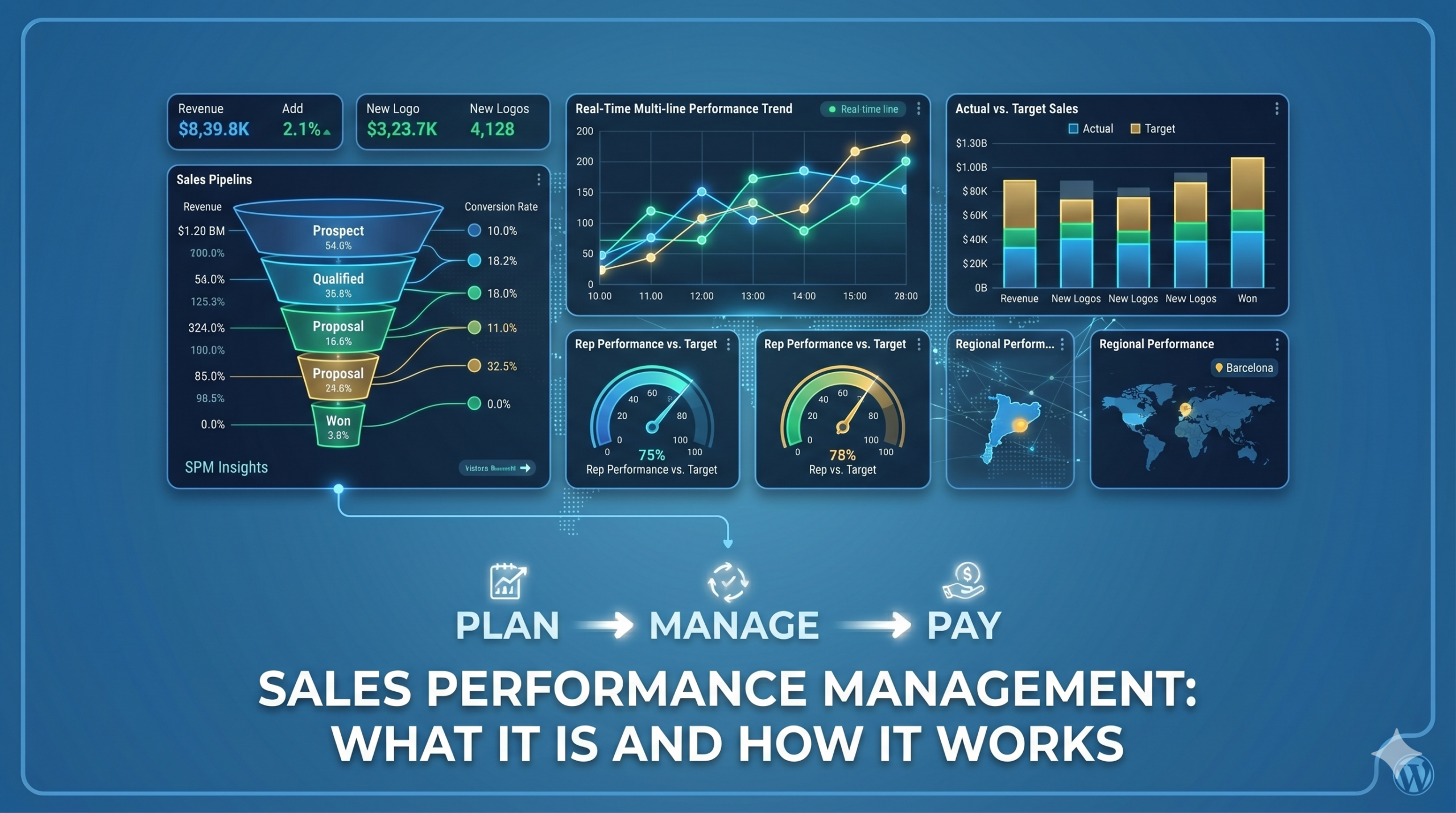
Salesforce SPM: What It Is and How It Works (Part 1 of 2)

What Is Salesforce Sales Performance Management (SPM)?

If you’ve searched for “Salesforce SPM” or “sales compensation software,” you’ve probably seen the term everywhere, but not always a clear explanation.

Salesforce Sales Performance Management (SPM) is a suite of tools that helps companies automate sales compensation, manage territories, and improve forecasting, all within the Salesforce ecosystem.

In this article, we’ll break down what Salesforce SPM is, what it includes, and why more companies are adopting it.


The Problem Salesforce SPM Solves

As sales teams grow, managing compensation and performance becomes increasingly complex.

Most organizations still rely on spreadsheets and manual processes. This typically leads to:

  • Hours spent calculating commissions every month
  • Frequent errors and disputes
  • Limited visibility for sales teams
  • Unbalanced territories and missed opportunities
  • Inaccurate revenue forecasts

These issues slow down operations and make it harder to scale.

Salesforce SPM addresses this by centralizing and automating these processes, improving accuracy, transparency, and efficiency.


What Is Salesforce SPM? (Simple Explanation)

At its core, Salesforce SPM helps you:

  • Automatically calculate commissions based on defined rules
  • Assign territories using data instead of manual decisions
  • Track performance and compensation in real time
  • Improve forecast accuracy using CRM data
  • Scale operations without increasing administrative workload

Instead of relying on spreadsheets, everything is managed in a single, connected system.


What Does Salesforce SPM Include?

Salesforce SPM is not a single product, but a combination of tools that work together:

1. Incentive Management

Automates commission calculations and provides full visibility into earnings and performance.

Why it matters:
Reduces manual work, eliminates errors, and builds trust with sales teams.


2. Territory Management

Distributes accounts and territories based on data, capacity, and opportunity.

Why it matters:
Ensures fair allocation and avoids conflicts between sales reps.


3. Sales Cloud

Acts as the central source of data, including opportunities, accounts, and pipeline.

Why it matters:
SPM relies on accurate CRM data to function properly.


4. Analytics (Forecasting & Insights)

Provides dashboards and predictive forecasting based on real-time data.

Why it matters:
Helps leaders make informed decisions and anticipate risks.


How Salesforce SPM Works

A typical implementation by an expert consultancy would follow these steps:

  1. Plan design
    Define compensation structures, quotas, and territory rules.
  2. System configuration
    Set up rules, dashboards, and integrations in Salesforce.
  3. Data preparation
    Clean and organize sales, account, and compensation data.
  4. Testing and validation
    Ensure calculations and assignments are accurate.
  5. Deployment and training
    Prepare teams to adopt the new system.
  6. Ongoing optimization
    Continuously refine plans and performance tracking.

A structured approach is critical to avoid rework and ensure adoption.


Salesforce SPM vs. Manual Processes

Here’s how Salesforce SPM compares to traditional spreadsheet-based management:

Area Manual Approach Salesforce SPM
Commission calculation Time-consuming and error-prone Automated and Accurate
Transparency Limited visibility Real-time insights
Territory planning Manual and subjective Data-driven and fair
Forecasting Based on estimates Based on real data
Scalability Difficult to mantain Easily scalable

Result: less manual work, fewer errors, and better decision-making.


Common Mistakes in SPM Implementation

Many companies struggle with SPM not because of the technology, but because of how it’s implemented.

The most common mistakes include:

  • Starting implementation before defining compensation plans
  • Using poor-quality or incomplete data
  • Underestimating change management and training
  • Automating inefficient or outdated processes
  • Not planning integrations with other systems

Avoiding these pitfalls is key to getting real value from SPM.


When Should You Consider Salesforce SPM?

Salesforce SPM is especially relevant if:

  • Your finance team spends too much time on commission calculations
  • Your compensation structure is complex
  • You have frequent disputes about commissions or territories
  • Your forecasts are unreliable
  • You’re scaling your sales team

If several of these apply, it may be time to explore a more automated approach.


What’s Next

In Part 2 of this series, we’ll cover:

  • Real use cases and examples
  • Implementation timelines and costs
  • How to evaluate if SPM is right for your business
  • What to look for in a consulting partner

Get Started with Salesforce SPM

Thinking about improving how you manage sales performance?

Start with a simple assessment of your current processes and identify where automation could have the biggest impact.

If you want a clearer picture of how Salesforce SPM would work in your organization, the next step is to evaluate your specific needs and challenges. Get started with Salesforce SPM!

Salesforce Spiff: How to Automate Commissions and Motivate Your Sales Team

Eliminate manual errors, increase transparency, and scale without operational stress

How many hours does your sales and finance team spend reconciling commissions in spreadsheets? How many payment disputes have damaged relationships with your top performers?

If these questions hit home, you’re not alone. Most growing companies still manage sales incentives with Excel, emails, and manual processes. And when it’s time to scale, this operational chaos becomes a real bottleneck.

In episode 4 of NuvoTalks, Marc-Anthony Padula, Managing Director of  the Consulting entity, and Veronica Recanati, Senior Cloud Executive EMEA South at Salesforce, dove deep into how Salesforce Spiff transforms commission management. Here’s everything you need to know.

 What Is Salesforce Spiff?

Spiff is Salesforce’s native solution for managing sales incentive plans (SPM). It’s not a third-party add-on or a tool that requires expensive integrations. It’s a product built directly into the Salesforce cloud, designed to automate the entire commission cycle.

But here’s the catch: Spiff isn’t for every company. It’s built for sales teams that need:

  • Complex commission structures (multiple products, territories, conditional bonuses)
  • Scalability (growth without operational pain)
  • Real-time transparency (reps know exactly what they’ll earn)
  • Absolute precision (zero calculation errors)


The 4 Pillars of Spiff: Why It Transforms Your Business

1. Efficiency and Precision: Say Goodbye to Excel

Manual commission management has a hidden cost that most companies overlook. It’s not just the hours your teams spend on calculations and reconciliations. It’s also the risk of errors.

A 2% calculation error in commissions for 50 reps doesn’t sound significant. Until you factor in months of audits, payment disputes, and lost trust. Spiff eliminates this risk automatically:

  • Automatically calculates commissions based on rules you define
  • Applies bonuses, deductions, and adjustments without manual intervention
  • Generates complete audit reports (your CFO will love this)
  • Flags anomalies before they become problems

2. Sales Motivation: Visibility Drives Performance

This is where Spiff creates real impact on your business numbers.

When your sales team can see in real time how much money they’ll earn on each deal, behavior changes. It’s not magic. It’s applied psychology.

Spiff gives each rep a personal dashboard where they can:

  • Track their progress against commission targets
  • Calculate the financial impact of each deal
  • Understand exactly how their incentive plan is structured


Transparency doesn’t just boost motivation. It also reduces friction between sales and finance.

3. Scalability: Grow Without Operational Chaos

When a company grows from 5 reps to 50, Excel breaks. You need:

  • Multiple territories and assignment geometries
  • Different plans for different deal types (SaaS, services, implementations)
  • Monthly adjustments without losing control
  • Complete auditability for regulatory compliance


Spiff is built specifically for this scenario. You can add reps, products, and business rules without breaking anything. The architecture supports complexity without operational friction.

4. Native Salesforce Integration

Unlike external tools that require complex syncs, Spiff lives inside Salesforce. This means:

  • Data flows automatically from Opportunities to commissions
  • No delays or discrepancies between your CRM and commission system
  • Salesforce’s security and permissions protect commission data
  • Everything lives in one place (fewer tools, less complexity)


Who Should Implement Spiff?

Spiff isn’t for everyone. It’s especially relevant if your company:

  • Has 20+ sales reps
  • Manages multiple deal types with different commission structures
  • Is growing quickly and needs to scale operations without expanding the finance team
  • Already uses Salesforce and wants native integration (no plugins)
  • Suffers from frequent payment disputes or lack of transparency

If your sales team fits in a single Excel sheet with one commission structure, Spiff is overkill. But if you’ve seen Excel break under pressure, Spiff is the answer.

The 3 Mistakes Companies Make (And How Spiff Fixes Them)

Mistake 1: Managing Commissions Manually While Scaling

Most growing companies wait until the pain is unbearable before switching. Then they rush the implementation, cut corners, and the project fails.

Spiff works best when you implement it as part of your scaling strategy, not as an emergency patch.

Mistake 2: Not Communicating Commission Rules Clearly

If your team doesn’t understand how commissions are calculated, they can’t optimize their selling behavior. Spiff solves this by giving them transparency, but you need to ensure the rules are crystal clear from day one.

Mistake 3: Implementing Spiff Without Reviewing Your Incentive Plan

Spiff automates what you already do. If your commission plan is poorly designed, Spiff just automates the chaos.

Real value comes from rethinking your incentives while implementing the tool. Are your commissions aligned with business objectives? Do they motivate the behavior you actually want? Answer these questions before Spiff, not after.

From Salesforce’s Perspective

According to Veronica Recanati in the episode, Spiff addresses a specific problem: most companies have rich CRM data but don’t leverage it to drive sales behavior.

Spiff closes that gap. It takes deal data from Salesforce and translates it directly into commissions. This means your incentive plan is connected to your real pipeline in real time.

When Should You Implement Spiff?

Short answer: as soon as you have a scaling problem, it should be on your roadmap.

Long answer: it depends on your situation. But if you recognize any of these symptoms, it’s probably time to talk to a specialist:

  • Excel has become your primary commission management tool
  • Sales and finance don’t trust the commission numbers
  • Changes to your incentive plan require days of manual work
  • Your CFO is pushing for automation because manual work doesn’t scale
  • You’re planning to enter new markets or add new product lines


The Next Step: Nuvolar + Spiff

If Spiff is on your radar but you’re not sure where to start, you’re not alone. Correct implementation requires understanding:

  • Your current commission architecture (how it works today, what’s broken)
  • The business rules to automate (what needs to live in Spiff)
  • Organizational change (how to train your team on the new tool)
  • Salesforce integration (how data flows, how to ensure accuracy)


At Nuvolar, we’ve guided teams through this transformation. We know where the pitfalls are, what questions to ask, and how to design a commission plan that works with Spiff—not against it.

If you want to see Spiff in action or discuss how it could work in your specific context, we’re running a live webinar where we’ll demonstrate Spiff functioning in a real sales scenario.

Register here: https://meet.zoho.eu/uzxi-pdy-fhw

The Bottom Line

Salesforce Spiff isn’t just another tool. It’s the bridge between your business objectives and your sales team’s behavior. It automates the tedious work, brings transparency to what was opaque, and scales what worked on a smaller level.

The question isn’t whether you should implement Spiff. It’s: how long can you afford to wait?


Published by Nuvolar Consulting

We create intelligent digital solutions built on data, artificial intelligence, and human expertise. If your company faces operational scaling challenges or needs Salesforce expertise, let’s start a conversation.