16 Nov, 2026
- 7 min
 16 Nov, 2026
 7 min
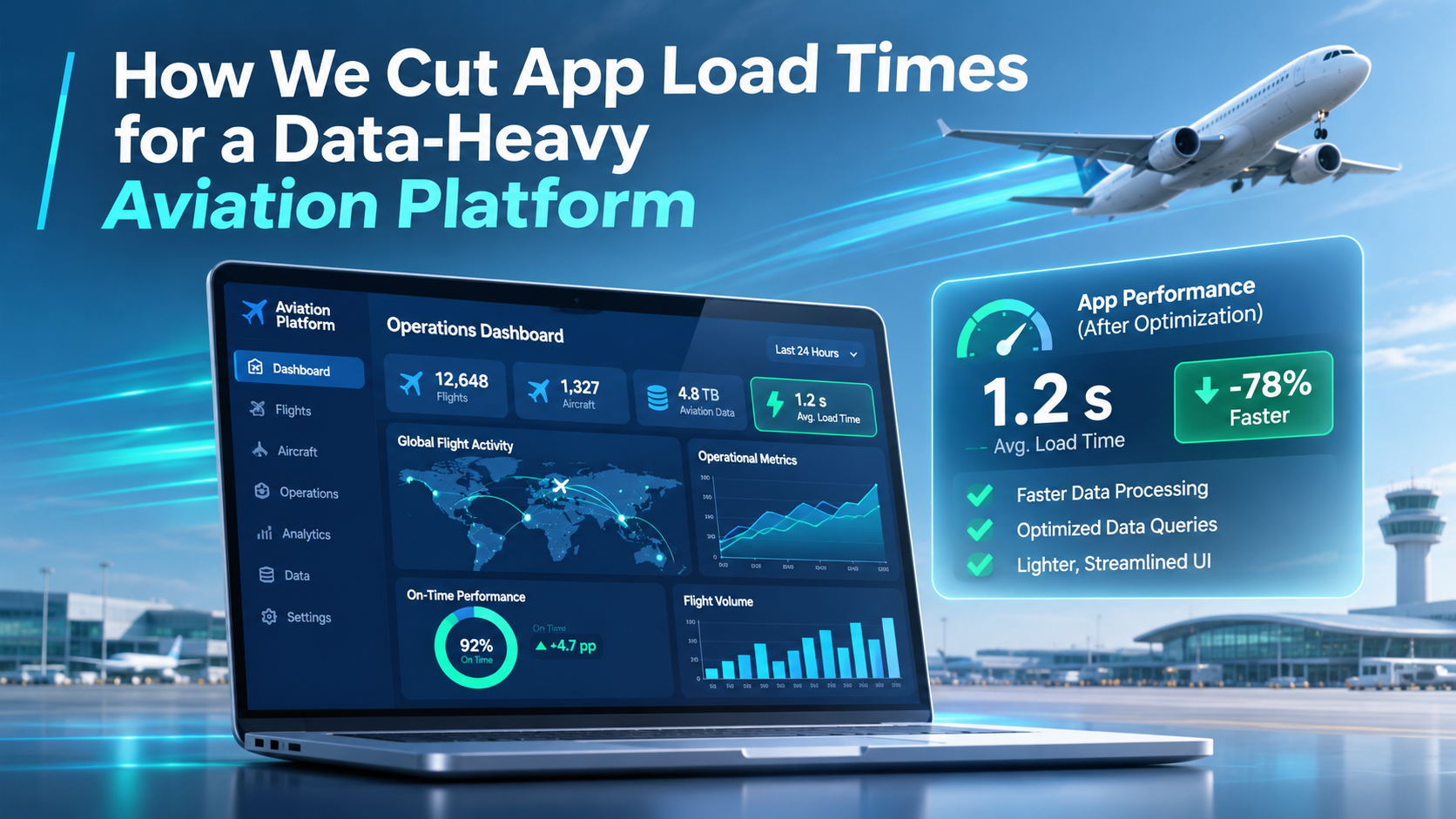
Slow Application Load Time? How We Fixed a 60-Second Load in a Data-Heavy Aviation App
Every enterprise app starts fast. Then the business grows, new flows get added, and one day your users are staring at a spinner for a full minute before they can do any work.
That is exactly what happened to a flight operations platform we support for business aviation operators. For clients with large fleets and years of operational data, the app’s initial load had crept up to 30 seconds to 1 minute. Dispatchers and crew schedulers, people who make time-critical decisions all day, were waiting before they could even start. The smaller operators didn’t notice, but the big ones (~150 Aircrafts) were affected the most.
In this article we explain how our team diagnosed the problem, what we optimised on the backend, and how a targeted frontend refactor fixed the slow application load time without a full rewrite.
The challenge: a legacy app that outgrew its own architecture
The platform is an operations suite for private aviation: crew scheduling, flight boards, trip management and maintenance in one place. It had served operators well for years. But two things changed at the same time.
- The data grew. Large operators manage big crew rosters, whole fleets and a constant stream of flight legs. Every year adds more history.
- The app grew. We kept adding new flows the client needed. Each one asked the app to know a bit more on startup, and the Aircraft object in particular became much heavier over time. The tipping point was when we added a map, so now each Aircraft had to also hold its route information.
The original design loaded almost everything up front. That was a reasonable choice when datasets were small and the app didn’t need a lot from each Aircraft. At enterprise scale it meant the app was querying far more data than any user needed at that moment.
Because the codebase was mature, there was no single setting or quick trick to fix it. Performance had to be recovered through careful engineering, without disrupting operators who rely on the tool every day.
Step 1: Measure first, and agree priorities with the client
Performance work fails when teams optimise what they guess is slow. So we started with data and with our largest client, the one who was impacted the most.
- We revisited priorities together. Which screens do dispatchers open first? Which data do they need in the first seconds, and which can wait? This defined what “fast” had to mean for real users.
- We profiled every API call on startup. We measured how long each call took and how much data it returned, so we could rank them by impact.
- We audited what the UI actually used. We checked all the different flows and their needs. The only place we needed to load all Aicrafts with their full information was on the global map. For everywhere else, we moved the pagination to the Backend so that only a handful of Aircrafts were getting queried at a time.
That audit was the turning point. The problem was not one slow query. It was an app paying, on every load, for data nobody was looking at.
Tip for tech leads: before you buy faster infrastructure, list every call your app makes on startup, its duration and its payload size. Then ask “does the first screen need this?” for each one.
Step 2: API performance optimization on the backend
With the slowest calls identified, we fixed what could be fixed at the source.
- Trimmed payloads. Calls stopped returning fields and lists the frontend never read.
- Optimised the slowest queries. We tuned the heaviest server-side queries so each call did less work and returned faster.
- Kept contracts stable. Changes were made so existing screens and integrations kept working, which mattered for a tool in daily operational use.
Backend tuning delivered real gains, but it had a ceiling. Some calls were slow because of how much data the app asked for, not how efficiently it was fetched. Those needed a different fix.
Step 3: Frontend refactoring, from “load everything” to “load what you need”
For the calls we could not speed up on the server, we changed the frontend so it asked for less, later.
Splitting the queries. Instead of one large request on startup, we broke data loading into smaller parts. The first screen renders with only what it needs. Everything else loads in the background or when the user opens the relevant view.
Rethinking how aircraft data loads. The clearest example was the Aircraft object.
| Before | After | |
|---|---|---|
| When aircraft load | All aircraft, on first load | Only the aircraft needed at that moment |
| Data per aircraft | Every field, growing with each new feature | The fields the current flow uses |
| Effect of fleet growth | Every new aircraft or field slowed startup | Startup cost stays flat as data grows |
To make this work we refactored the UI flows around it. Each screen now requests the aircraft it actually displays, for example the aircraft on a selected trip, rather than relying on a full list held in memory.
This is the core idea behind lazy loading and on-demand data fetching: users stop paying, in waiting time, for data they are not using.
The result, and 5 lessons for CIOs and CTOs
The app no longer makes users wait for its entire dataset before they can start. Startup work now scales with what a user is doing, not with the size of the operator’s history. And we got there through targeted legacy application modernization, not a costly rewrite.
Initial load dropped from ~60s to 5s for our largest client.
What we would tell any technology leader facing the same problem:
- Slow load times are usually a data problem, not a hardware problem. Check what you load before you scale servers.
- Profile before you optimise. Rank every startup call by duration and payload size.
- Audit what the UI really uses. In our case more than half of one startup response went unused.
- Fix the backend first, then the frontend. Server-side tuning is cheaper; frontend refactoring handles what tuning cannot.
- Design for growth. Load on demand, so adding data or features does not quietly slow everyone down.
Is your enterprise app slowing down as it grows?
At Nuvolar we build and modernise custom software and Salesforce applications for aviation and other data-heavy industries. If your users are waiting on a spinner, we can audit your app’s performance and show you where the time goes. Talk to our team.
FAQ
What causes slow application load times in enterprise apps? Most often the app loads more data on startup than the first screen needs. This gets worse as data volumes and features grow.
Can you improve app performance without rewriting the application? Yes. Profiling API calls, optimising backend queries and refactoring specific frontend flows can fix load times in a legacy app without a full rebuild.
What is lazy loading? Lazy loading means fetching data or code only when a user needs it, instead of all at once on startup. It keeps initial load fast as the app grows.
How do you find which API calls are slowing an app down? Measure every call made on startup: its duration, its payload size and whether the UI uses the data. Then tackle the slowest and heaviest first.
Does this apply to Salesforce applications? Yes. Salesforce-based apps with large data volumes benefit from the same approach: lean queries, selective loading and on-demand data fetching in the UI.


You may also like…